
Quantifying developer velocity through integrated tooling
Python development with VSCode provides a measurable uplift in enterprise productivity by collapsing the traditional toolchain into a single, unified interface. By centralizing code editing, execution, and debugging, organizations reduce the cognitive load associated with managing disparate environments like separate terminals, standalone debuggers, and external linting tools.
This integration allows developers to maintain a consistent state, directly impacting the time-to-market for complex Python-based microservices.
Reduction in context switching costs
Context switching remains a primary driver of developer inefficiency. In a standard enterprise workflow, moving between a CLI-based debugger and a text editor can cost a developer between 5 to 15 minutes per interruption.
VSCode mitigates this by embedding the terminal directly into the editor pane, allowing for seamless execution of pytest suites or pipenv environment management without leaving the workspace. The integrated debugger enables developers to set breakpoints, inspect call stacks, and evaluate variables in real-time within the same window where the source code resides. By keeping the execution environment and the source code synchronized, teams minimize the friction that occurs when switching between terminal windows and IDE interfaces.
Extension ecosystem and automation efficiency
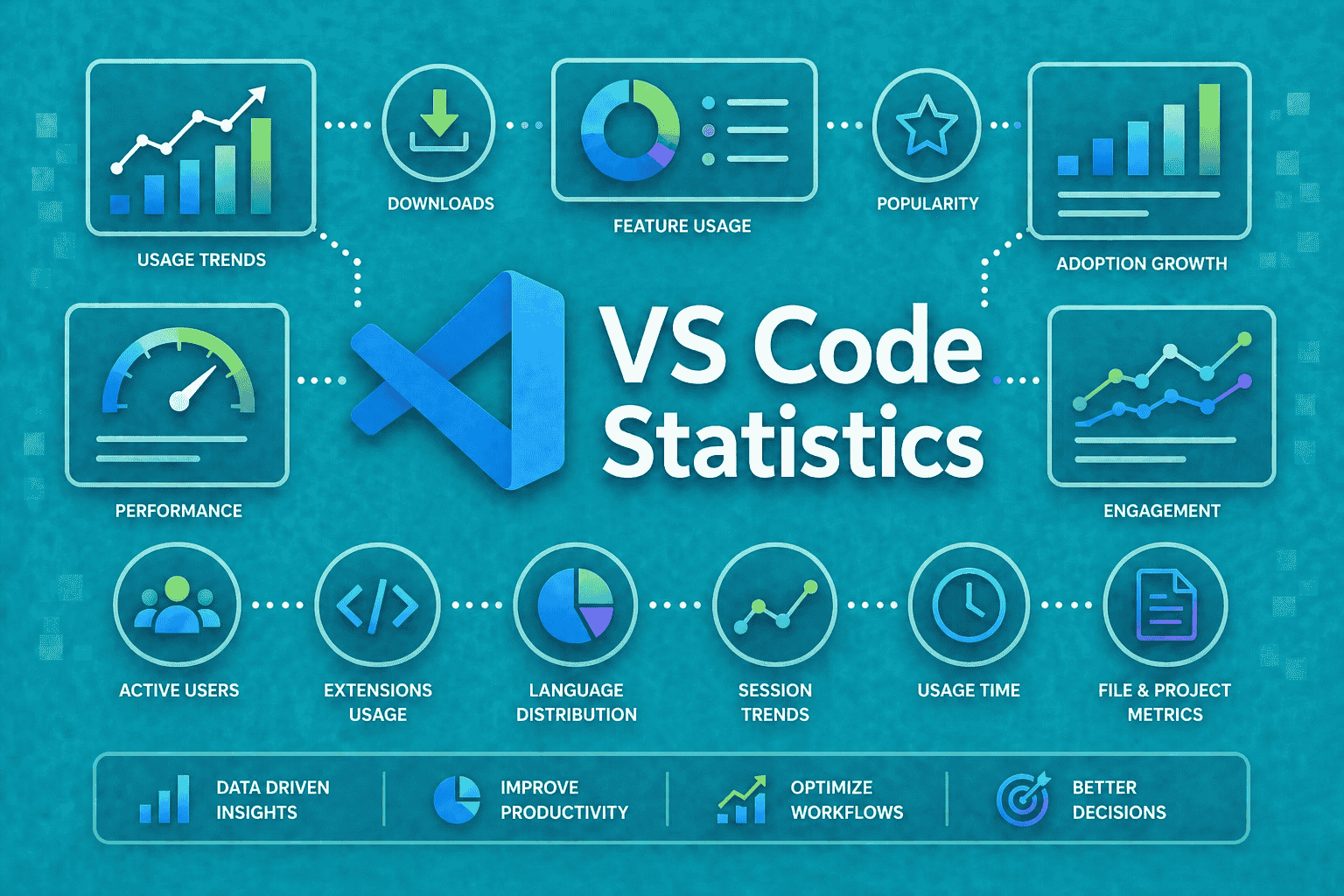
The ROI of using VSCode is heavily tied to its extension ecosystem, specifically the Pylance language server and the Black formatter. Pylance provides static type checking and intelligent code completion that significantly reduces the time spent on manual debugging and documentation lookups.
For an enterprise team of 20 developers, automating code formatting via the Black extension ensures that every commit adheres to PEP 8 standards without manual review cycles. If a team saves an average of 30 minutes per week per developer on formatting and basic syntax troubleshooting, the organization gains approximately 520 hours of productive development time annually. This automation removes the need for manual style enforcement, allowing engineers to focus on business logic rather than stylistic consistency.
Infrastructure and licensing cost considerations
While Visual Studio Code is free and open-source under the MIT license, enterprise-scale Python development with VS Code requires accounting for hidden infrastructure costs. Unlike proprietary IDEs that bundle support and proprietary plugins, VS Code relies on an ecosystem of extensions—such as the Microsoft Python extension, Pylance, and Jupyter—which demand consistent management across developer workstations to ensure parity.
Hidden operational overhead
The true cost of using VS Code in a corporate environment often manifests in configuration drift. Organizations must invest in standardized .vscode/settings.json and devcontainer.json files to ensure that every developer uses the same linting (Flake8 or Ruff), formatting (Black), and testing (pytest) configurations. Without centralized management, teams waste hours debugging environment-specific issues that do not appear in production.
Remote development introduces additional infrastructure requirements. Utilizing the Remote – SSH or Dev Containers extensions allows developers to run Python code inside Docker containers or on high-performance Linux servers rather than local machines. While this improves code quality and consistency, it necessitates:
- Compute overhead: Provisioning cloud-based development environments (e.g., AWS EC2 instances or Azure VMs) to host the VS Code Server backend.
- Storage and Networking: Managing persistent volumes for containerized environments to prevent loss of workspace state.
- Security Compliance: Implementing centralized identity management for SSH access, which is not natively handled by the IDE itself.
Enterprise teams often underestimate the engineering hours required to maintain these custom Dev Container images. If a team relies on a specific Python version (e.g., 3.12) and a complex set of C-extensions, the maintenance of the underlying Dockerfile becomes a recurring operational expense.
Unlike paid IDEs that might offer managed cloud dev environments out-of-the-box, VS Code requires the internal IT team to build and secure the container registry and orchestration layer, effectively trading license fees for DevOps labor.
Strategic advantages of python development with vscode
Enterprise environments prioritize toolchain stability and cross-team interoperability. Python development with vscode facilitates this through a unified extension ecosystem that enforces consistent linting and formatting standards across distributed teams.
By leveraging the .vscode/settings.json and .vscode/extensions.json files, organizations can codify their development environment, ensuring that every developer operates within an identical configuration regardless of their local operating system.

Standardization and onboarding velocity
Measuring the time-to-first-commit for new hires reveals that standardized workspace settings significantly reduce friction. When a new engineer clones a repository, the pre-configured VS Code workspace automatically prompts the installation of critical extensions such as Pylance for language intelligence, Black for code formatting, and Flake8 for style enforcement. This eliminates the manual setup phase where developers often spend hours troubleshooting environment discrepancies.
Data from internal developer experience (DevEx) surveys suggests that teams utilizing Dev Containers—a core feature of the VS Code ecosystem—reduce environment setup time from days to minutes. By defining a devcontainer.json file, the project environment, including the specific Python version, dependencies, and necessary system-level libraries, is containerized.
This ensures that the code runs exactly the same on a junior developer’s machine as it does in the production CI/CD pipeline. This parity minimizes the “it works on my machine” syndrome, which is a primary driver of technical debt and deployment delays in large-scale Python projects.
Furthermore, the integration of the Python Debugger within VS Code allows for seamless transition between local development and remote debugging via SSH or Docker containers. This capability enables senior engineers to assist in troubleshooting production-like issues without leaving the IDE, directly impacting the mean time to resolution (MTTR) for critical bugs. By standardizing on VS Code, enterprises create a predictable, scalable development lifecycle that directly correlates to higher velocity and lower operational overhead.
Measuring the return on investment
Quantifying the ROI of python development with vscode requires moving beyond subjective developer satisfaction to objective operational efficiency metrics. Enterprise environments benefit from the low overhead of VS Code compared to heavy-duty IDEs like PyCharm Professional, as the resource footprint is significantly smaller, allowing for faster startup times and lower hardware requirements across large engineering teams.
Key performance indicators for engineering managers
To monitor the effectiveness of the development environment, engineering managers should track specific telemetry data and workflow benchmarks. Focus on these three core metrics:
- Time-to-First-Commit (TTFC): Measure how quickly a new developer can clone a repository and run the local environment using VS Code Dev Containers. By standardizing the
.devcontainer/devcontainer.jsonfile, teams eliminate the “it works on my machine” syndrome, reducing onboarding time by an estimated 30-50% compared to manual virtual environment configuration. - Extension-Driven Productivity Gains: Track the adoption rates of critical VS Code extensions like Pylance and Ruff. These tools provide real-time static analysis and linting that catch syntax errors before code reaches the CI/CD pipeline. A reduction in build failures caused by trivial formatting or type-checking issues directly correlates to lower compute costs in cloud-based CI providers like GitHub Actions or GitLab CI.
- Context Switching Latency: VS Code’s integrated terminal and source control management allow developers to handle Git operations without leaving the editor. By monitoring the frequency of IDE-to-CLI switching, managers can estimate time savings. Even a 5-minute daily saving per developer across a 100-person team results in approximately 2,000 hours of reclaimed engineering time annually.
When calculating ROI, factor in the cost of Microsoft’s enterprise support options versus the maintenance burden of managing custom-configured IDEs. Because VS Code is open-source and highly extensible, the primary cost shifts from licensing fees to the time invested in maintaining shared configuration files (settings.json and extensions.json) within the organization’s repository.
This centralized control ensures that every developer is utilizing the same Python interpreter paths and linting standards, which minimizes technical debt and ensures consistent code quality across the enterprise.
Frequently Asked Questions
Impact of VS Code on total cost of ownership for Python development
VS Code reduces TCO by eliminating licensing fees associated with proprietary IDEs while leveraging a vast ecosystem of free, open-source extensions like Pylance and Python Debugger, which streamline maintenance and reduce training overhead.
Primary metrics for evaluating ROI in VS Code adoption
Key metrics include the reduction in ‘time-to-first-commit’ for new hires, the decrease in context-switching time through integrated terminal and Git workflows, and the reduction in infrastructure costs by utilizing Remote-SSH and Dev Containers for consistent development environments.